 Helm Sparkle
Documentation / Core concepts
Product
A product is an item the brand sells, identified by its name and URL. Products give prompts and audited pages something specific to refer to.
How it works
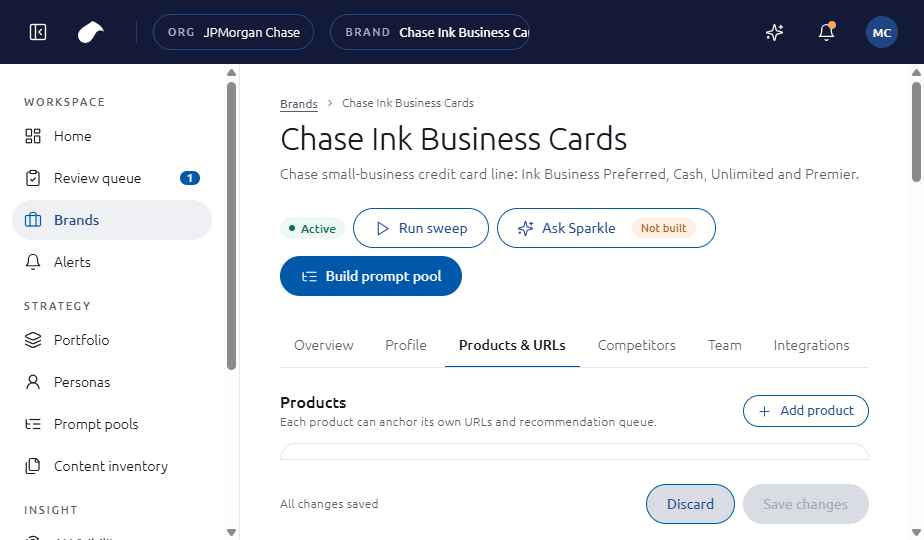
Each product has a name, a short description and a URL. The sample Chase Ink Business Cards brand has four: Ink Business Preferred, Ink Business Cash, Ink Business Unlimited and Ink Business Premier.
Details
- Name and short description.
- URL, which points to the product page that the site audit reads.
- Products and URLs are edited on the brand's Products and URLs tab.
Where you see it
Brand workspace, then Products and URLs.
Set it up
- Open the brand and choose Products and URLs.
- Choose Add product and enter the name and a short description.
- Enter the product URL, then choose Save changes.
See also
Last updated
Was this page helpful?Contact support