 Helm Sparkle
Documentation / Integrations
SEMrush
Connects SEMrush keyword data. Prompt pools use keyword volumes and SERP features to weight the SEMrush source.
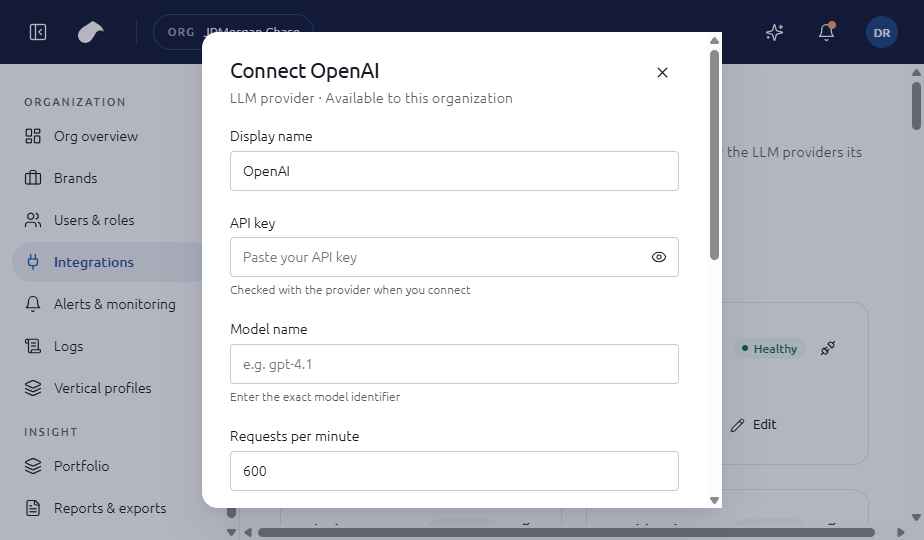
Set up
- Open Integrations in the navigation for your role.
- Choose Add integration, then select SEMrush.
- Enter API key (at least 16 characters); Database (us, uk, ca or mx).
- Choose Connect. Helm tests the connection before it saves the integration.
If the test fails, you can choose Save without verifying. The integration is then saved with an error status until you fix it.
What the screen shows
The form asks for the API key and the regional database. Once connected, the integration shows the last four characters of the key so you can confirm which key is in use.
Notes
- Choose the database that matches the market of the brand. Results from the wrong region weight the pool incorrectly.
- A short key is rejected on the form before it is tested.
Last updated
Was this page helpful?Contact support