 Helm Sparkle
Documentation / Integrations
GA4
Connects Google Analytics 4 so Helm can show sessions and conversions that arrive from AI referrals.
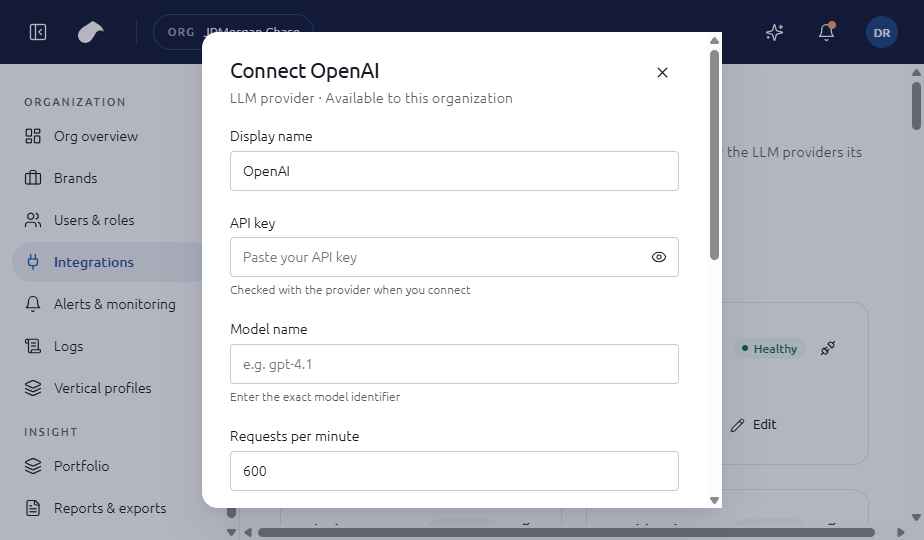
Set up
- Open Integrations in the navigation for your role.
- Choose Add integration, then select GA4.
- Enter Property ID (6 to 12 digits); Service account key (JSON).
- Choose Connect. Helm tests the connection before it saves the integration.
If the test fails, you can choose Save without verifying. The integration is then saved with an error status until you fix it.
What the screen shows
The form asks for the numeric property ID and the full JSON key for a service account. The key field accepts a multi-line paste, and the form checks that the value is a JSON object before it is tested.
Notes
- Paste the complete JSON key, including its braces. A partial key is rejected.
- Grant the service account read access to the property in GA4 before you connect.
Last updated
Was this page helpful?Contact support