 Helm Sparkle
Documentation / Integrations
Google Search Console
Connects a Search Console property so prompt pools can draw on the queries your site already gets. Helm reads queries, clicks and impressions for each page.
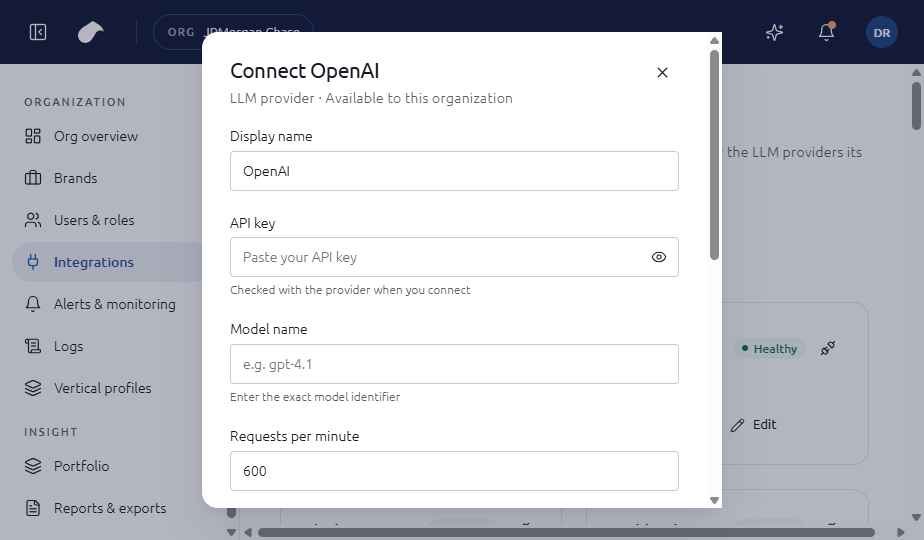
Set up
- Open Integrations in the navigation for your role.
- Choose Add integration, then select Google Search Console.
- Enter Property (URL-prefix or sc-domain: property); OAuth client ID; Client secret.
- Choose Connect. Helm tests the connection before it saves the integration.
If the test fails, you can choose Save without verifying. The integration is then saved with an error status until you fix it.
What the screen shows
The form asks for the property and an OAuth client. After connecting, the integration shows how long its OAuth token is valid. When the token expires, the integration asks you to re-authorize.
Notes
- Re-authorization is required when the token expires. Prompt pools that use this source keep their contents until you re-run them.
- The property must match exactly how it is registered in Search Console, including the protocol and trailing slash.
Last updated
Was this page helpful?Contact support