 Helm Sparkle
Documentation / Integrations
Anthropic
Connects Claude models for answer-engine sampling. The key must come from your Anthropic account.
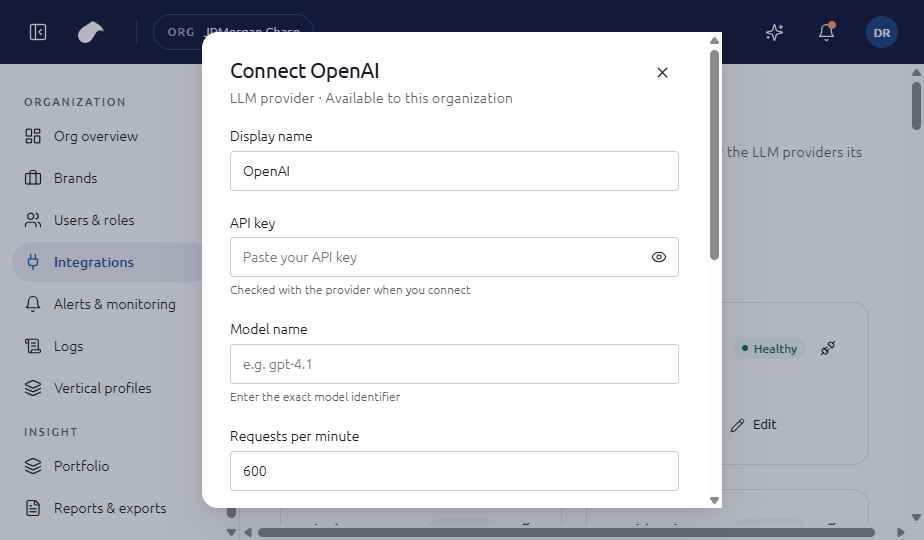
Set up
- Open Integrations in the navigation for your role.
- Choose Add integration, then select Anthropic.
- Enter API key (starts with sk-ant-); Model name; Requests per minute (default 400).
- Choose Connect. Helm tests the connection before it saves the integration.
If the test fails, you can choose Save without verifying. The integration is then saved with an error status until you fix it.
What the screen shows
The form checks that the API key starts with sk-ant- before it is sent for testing. The model name and request limit work the same way as the other LLM providers.
Notes
- A key that does not start with sk-ant- is rejected on the form, before any test is run.
- Use a dedicated key for Helm, so you can revoke it without affecting other tools.
Last updated
Was this page helpful?Contact support