 Helm Sparkle
Documentation / Core concepts
Sweep
A sweep runs an approved prompt pool across the engines and records what each engine says.
How it works
Sweeps run on the schedule of each approved pool, as background jobs. For each prompt and engine, Sparkle records the brand order, the brand's position and the citations.
What a sweep records
- Brand order and position for each prompt.
- Citations and the domains cited.
- Results that feed AI Visibility, Trends, reports and the CMS citation insights.
If results are missing
Long sweeps can take several minutes. Check the job status before you assume a sweep failed.
Where you see it
AI Visibility and Trends.
Set it up
- Approve a prompt pool. It is scheduled for the next sweep.
- Wait for the sweep job to finish. Long sweeps can take several minutes.
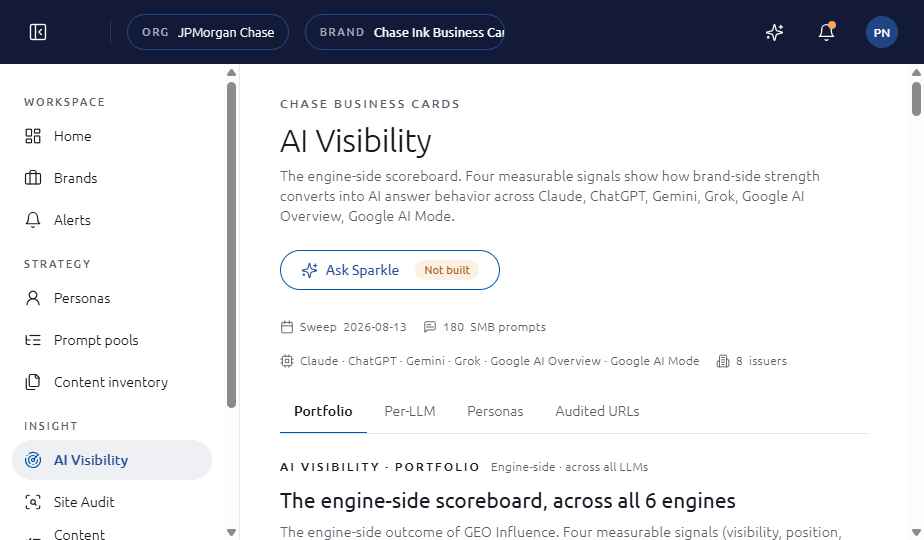
- Open AI Visibility and read the results for the sweep date shown in the header.
See also
Last updated
Was this page helpful?Contact support