 Helm Sparkle
Documentation / Integrations
SMS
Sends text alerts to the phone numbers on your on-call list. It depends on the SMS gateway being connected.
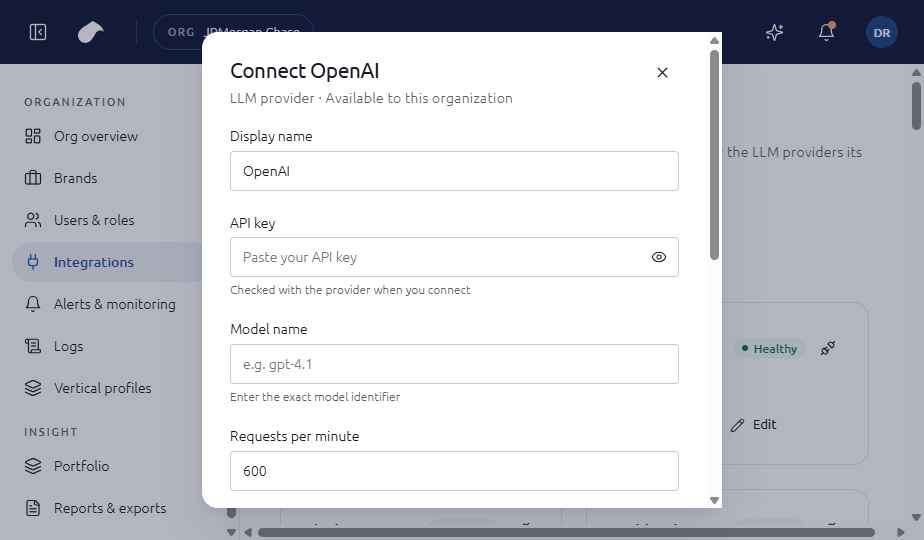
Set up
- Open Integrations in the navigation for your role.
- Choose Add integration, then select SMS.
- Enter Phone numbers (E.164, comma-separated); Send: Critical only, Warning and above, or All alerts.
- Choose Connect. Helm tests the connection before it saves the integration.
If the test fails, you can choose Save without verifying. The integration is then saved with an error status until you fix it.
What the screen shows
The form asks for a comma-separated list of phone numbers and the severity of alerts to send. Each number must be in E.164 format.
Notes
- Pick Critical only for on-call numbers, so people are not paged for routine warnings.
- Each number is checked against the E.164 format before you save.
Last updated
Was this page helpful?Contact support