 Helm Sparkle
Documentation / Integrations
Perplexity
Connects Perplexity Sonar models. Sonar answers include live citations, which Helm uses in citation insights.
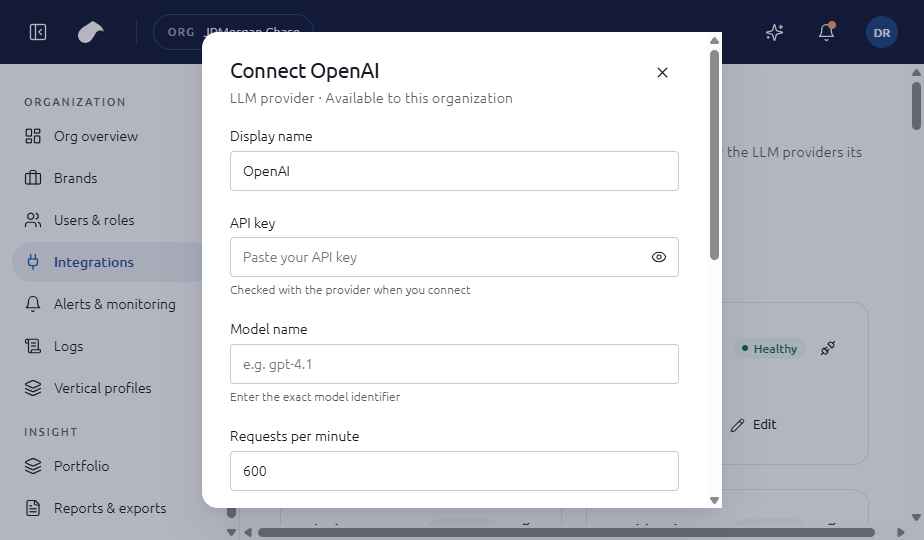
Set up
- Open Integrations in the navigation for your role.
- Choose Add integration, then select Perplexity.
- Enter API key (starts with pplx-); Model name (for example sonar); Requests per minute (default 200).
- Choose Connect. Helm tests the connection before it saves the integration.
If the test fails, you can choose Save without verifying. The integration is then saved with an error status until you fix it.
What the screen shows
The form checks that the API key starts with pplx- before testing. Because Sonar returns citations, the connection feeds the citation views as well as the visibility scores.
Notes
- Perplexity is measured in sweeps, so a missing connection leaves a gap in the per-LLM view.
- Use the Base URL option only when you route Perplexity traffic through a gateway.
Last updated
Was this page helpful?Contact support